
The rail is the brief
Character, Shot, Plot and Camera sit beside the prompt, and every field there is sent with it.
Set it up, write what changes, run it
Four things the configuration rail does that a prompt on its own cannot.
The panel is the brief, not a preference
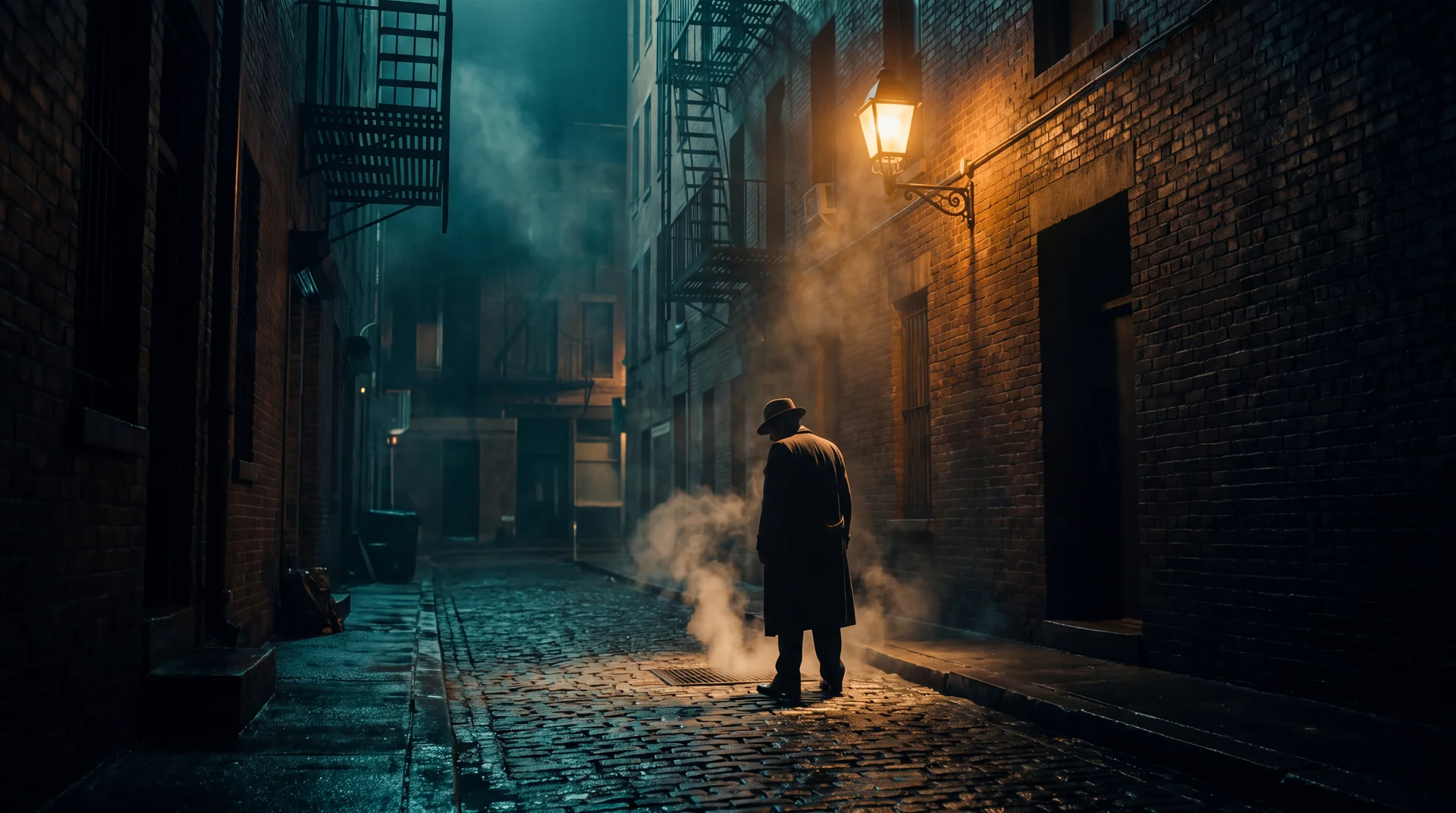
Genre sets the register the whole clip is directed in. Palette, lighting and camera movement set the style. Every field in the rail travels with the prompt, so the prompt describes this frame rather than restating the film around it.
- Genre
- Palette and light
- Camera movement

A body, a lens and a stop
The camera card carries the body, the glass, the focal length and the aperture, and it applies to every run in the session. Any field you leave unset reads Any — which means the backend decides, not that the setting is missing.
- Body and lens
- Focal length
- Aperture
Change one field, run it again
Results land at the top of the feed. Adjust a single field in the rail and run the same prompt to see what that field alone was doing. In image mode a character, shot or plot sheet is the structured way to say what you are making.
- Character sheets
- Shot sheets
- Plot sheets
The real price, or none of it
The button quotes the actual charge, because the backend resolves your camera and genre to a model and the studio asks it rather than guessing. Slow Mode trades queue time for credits instead. Failed runs are refunded, and every result lands in your Library.
- Quoted before you run
- Slow Mode
- Failed runs refunded
Who it's for
Whatever you're building, it fits.
Different teams, different needs, one workspace.

Built for Growth at Every Stage
Every plan includes every model and every feature. Plans only change how many credits you get and how many generations run at once.
- Credits refresh monthly
- Top-up additional credits anytime
- Unused credits don't roll over

Not ready for the commitment?

FAQs
Questions, answered.
The questions buyers ask before their first run. Each app's own page carries the specifics for that app.
What is Film Labs for?
Directing a shot the way a cinematographer would. Genre, palette, lighting, camera movement, body, lens, focal length and aperture sit in a panel beside the prompt, and every field is sent with it — so the things that stay the same between shots are said once. Leave a field unset and the backend decides it. It is included in every plan.
Can I use my own images and footage as a starting point?
Yes. Uploading your own assets is included in every plan — you can start a generation from your own image or clip, edit footage you already have, and pin character references in your Library so later generations stay consistent with them.
What can I actually do with what I generate, including commercial use?
You own the outputs you generate, to the extent they can be owned, and you may use them commercially. We claim no licence over them beyond what is needed to store them in your library and deliver them to you. Note that the legal status of machine-generated output is unsettled in some jurisdictions — we can grant everything we hold, but not rights that nobody holds.
What happens to credits I don't use?
Unused subscription credits don't roll over — they expire at the end of each billing cycle. Pay-as-you-go credit packages never expire and stay in your workspace balance until you use them. If a generation fails, the credits charged for it are generally returned automatically.