

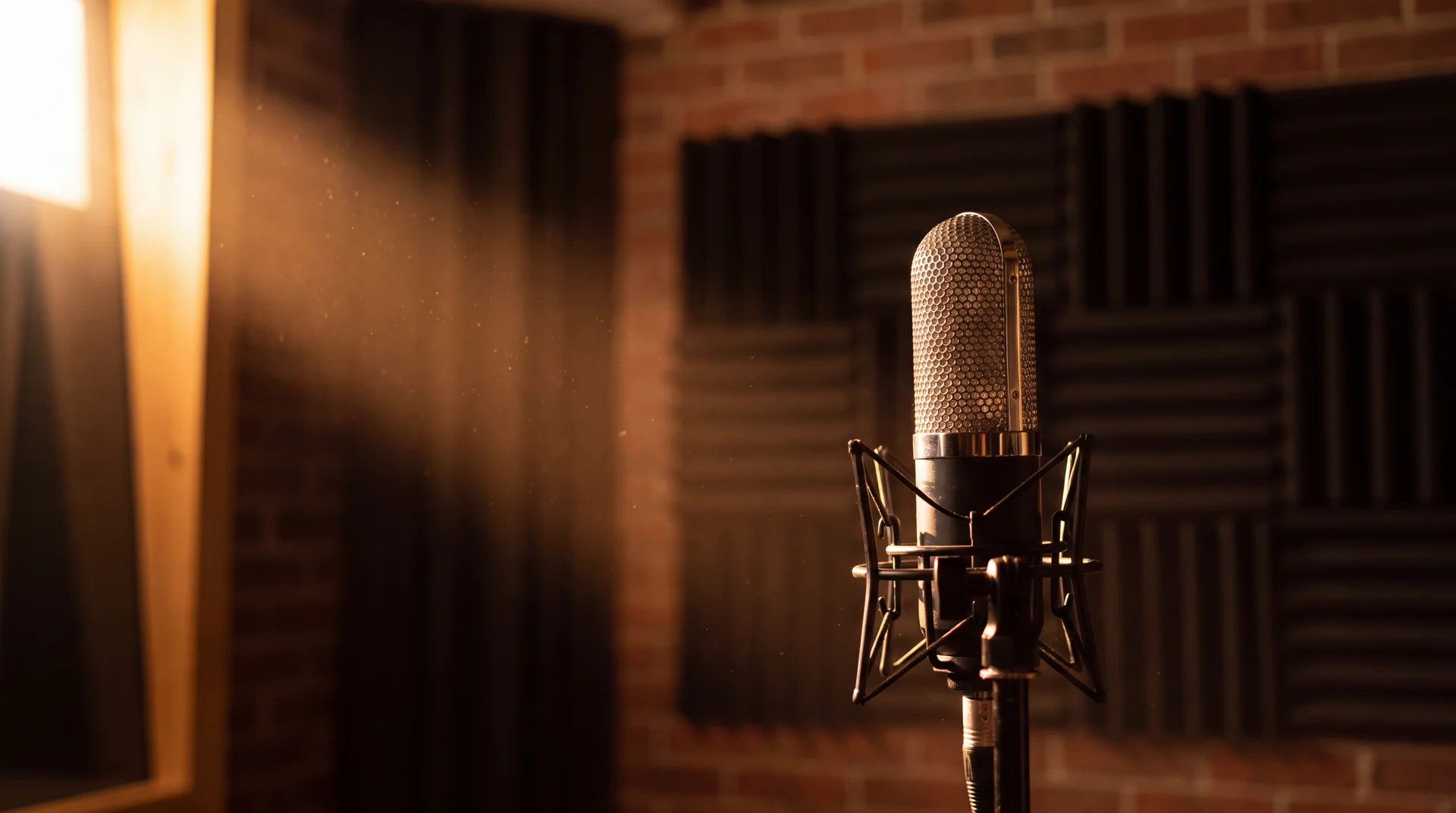
A script, a brief, or a sound you can't find
Three apps cover speech, music and effects. Each returns a file that lands in your library.
Speech, music and effects — and nothing invented in between
Every run shows its credit figure on the button before you commit, and a failed run is refunded.
Ninety-six voices, and punctuation as direction
These models read punctuation as direction. A comma is a breath and a full stop is a beat — write the pauses in rather than asking for them. Ninety-six named voices across four families, up to 5000 characters a run.
- 96 voices
- Ten models
- 5000 characters

A voice built from a recording
Upload five to thirty seconds of clean speech and Text to Speech reads your script in that voice. The clone and the read happen in one run, and you can still direct the delivery — speed, emotion and pitch.
- Voice cloning
- Five to thirty seconds
- Emotion and pitch
Scoring, not searching
Four models, and the choice between them is the choice between songs and beds. Minimax Music and Suno sing, taking the description and your lyrics as two separate fields; Seed Audio writes instrumental beds from a plain description, and Suno will too with the vocals switched off. All four are flat priced, so the length of the track does not change what a run costs.
- Four models
- Flat priced
- Lyrics or instrumental
Sound effects from a sentence
Describe a sound — what makes it, what it is made of, where it happens — and Sound FX renders it. Short lengths suit hits and impacts; up to thirty-five seconds covers ambience and room tone. Set it to loop and it repeats under a scene without an audible seam.
- Hits and foley
- Ambience up to 35s
- Seamless loop
Who it's for
Whatever you're building, it fits.
Different teams, different needs, one workspace.
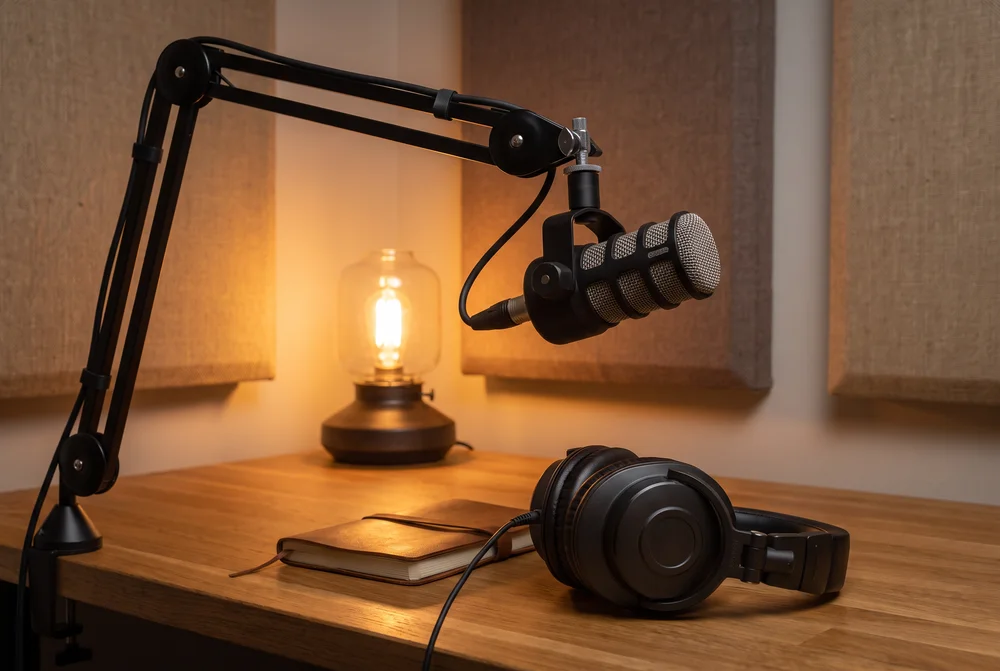
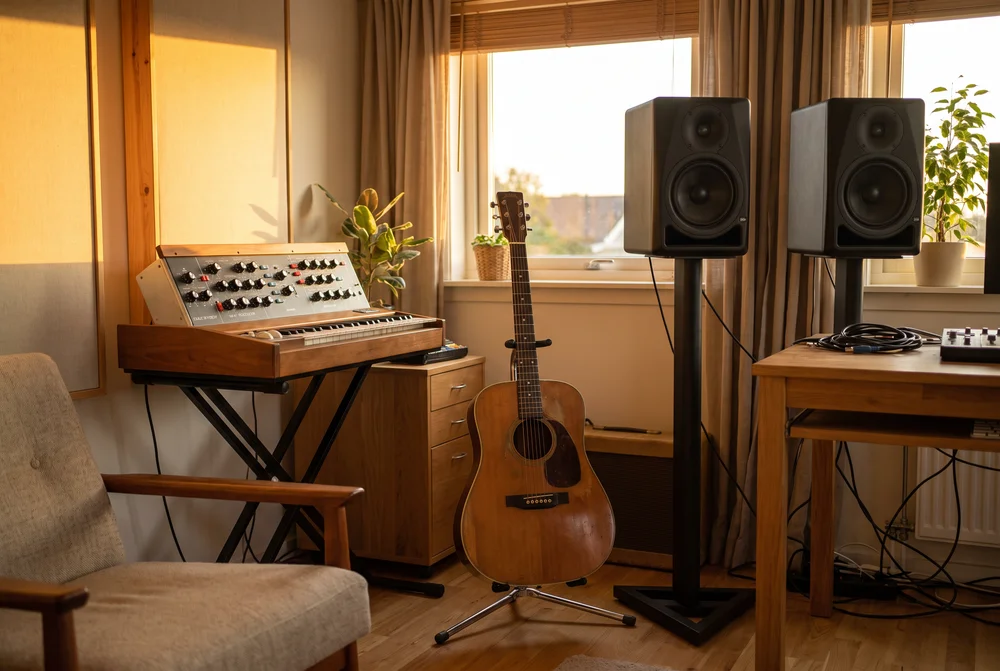
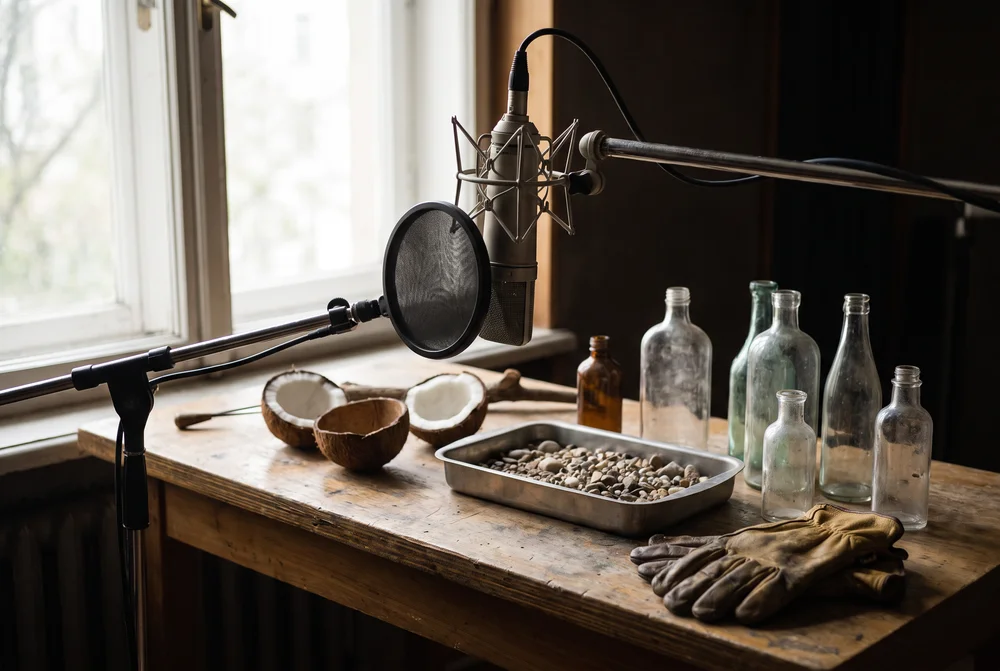

Heard as well as seen
Clips whose sound was generated together with the picture — rain, surf, a café, a hummingbird. Every output lands in the Library and reopens from History.
Three apps, not a studio pretending to be twelve
There is no audio studio page in the product — audio is three apps in the dashboard nav, and this is all of them.
-
Text to Speech
Ten models, 96 voices, and cloning as a mode.
-
Music
Songs with lyrics, or instrumental beds.
-
Sound FX
Hits, foley and ambience from a written description.


Built for Growth at Every Stage
Every plan includes every model and every feature. Plans only change how many credits you get and how many generations run at once.
- Credits refresh monthly
- Top-up additional credits anytime
- Unused credits don't roll over

Not ready for the commitment?

FAQs
Questions, answered.
The questions buyers ask before their first run. Each app's own page carries the specifics for that app.
What kinds of audio can I generate?
Speech, music and sound effects. Text to Speech carries ten models and ninety-six named voices, and clones a voice from a recording in the same request. Speech is priced per thousand characters — 91 to 301 credits depending on the model — while both music models are flat-priced whatever the length of the track. The figure is on the button before you commit.
Can I use my own voice?
Yes. Upload five to thirty seconds of clean speech and Text to Speech reads your script in that voice — the clone and the read happen in one run, with speed, emotion and pitch still yours to set. Clone only a voice you have permission to use.
What can I actually do with what I generate, including commercial use?
You own the outputs you generate, to the extent they can be owned, and you may use them commercially. We claim no licence over them beyond what is needed to store them in your library and deliver them to you. Note that the legal status of machine-generated output is unsettled in some jurisdictions — we can grant everything we hold, but not rights that nobody holds.
What happens to credits I don't use?
Unused subscription credits don't roll over — they expire at the end of each billing cycle. Pay-as-you-go credit packages never expire and stay in your workspace balance until you use them. If a generation fails, the credits charged for it are generally returned automatically.