
One still in, the frame you needed out
Generate from a prompt, or hand the studio a photograph you already have and change it from there.
Four things stills are actually for
Every run shows its credit figure on the button before you commit, and a failed run is refunded.
Mark up a photo instead of describing it
Draw to Edit gives you eight tools — freehand, rectangle, ellipse, lasso, a pointer, an eraser, select and move, and a text note placed on the frame itself. Write what should change where it should change, and the annotations are rewritten into one instruction before anything renders.
- Eight drawing tools
- Notes on the frame
- Inpainting

A wider frame, without losing the photo
Smart Resize outpaints rather than crops. Your photo is never cropped — the model fills everything around it, and the live preview shows how much of the result will be invented. A square photo in a 21:9 frame is two thirds generated.
- Never crops
- Live fill preview
- Six target sizes
One photo, nine framings or a new position
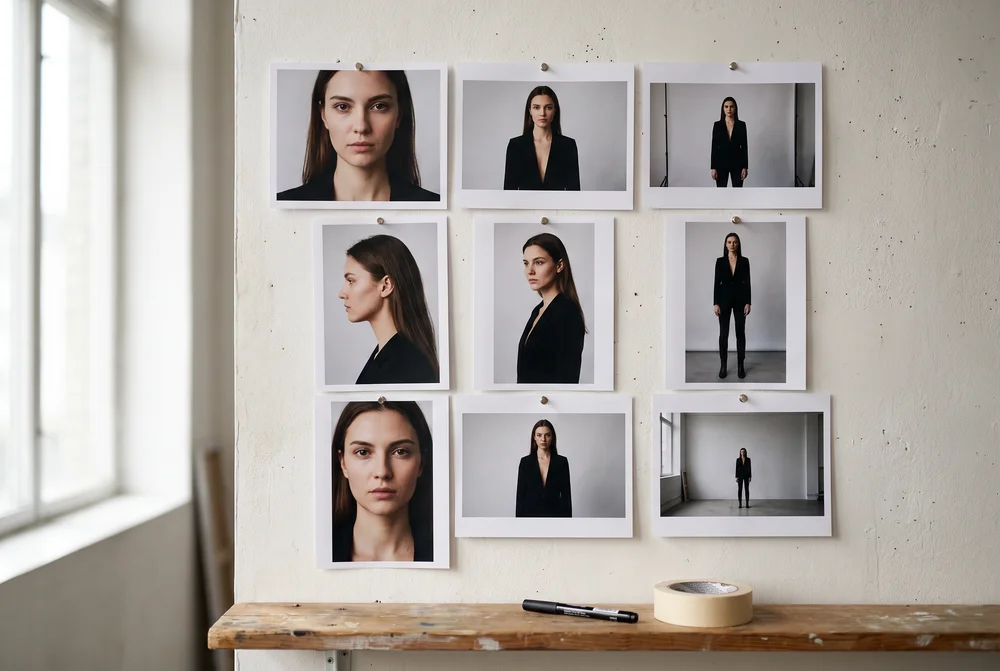
Shots returns nine named storyboard framings from a single upload, in the same order every time. Angles moves the lens instead: drag the orbit gizmo and the dot is where the camera ends up.
- Nine named shots
- Orbit gizmo
- Flat price
Detail that was never there
Ten upscale models, from a general-purpose pass to low-light recovery and text refinement, with a before-and-after drag on the result — the only honest way to see what the model actually recovered.
- Ten models
- Face restore
- Denoise
Who it's for
Whatever you're building, it fits.
Different teams, different needs, one workspace.


Made with the image studio
Stills pulled from finished runs. Every output lands in the Library and reopens from History.
Five image apps, all shipping
Each one is a surface in the dashboard, not a mode buried in a settings panel.
-
Draw to Edit
Mark up a frame and write what changes.
-
Upscale Image
Resolution and detail, recovered.
-
Smart Resize
A wider frame, painted in around your photo.
-
Shots
Nine named storyboard framings from one still.
-
Angles
The same subject, from a lens you position.

Built for Growth at Every Stage
Every plan includes every model and every feature. Plans only change how many credits you get and how many generations run at once.
- Credits refresh monthly
- Top-up additional credits anytime
- Unused credits don't roll over

Not ready for the commitment?

FAQs
Questions, answered.
The questions buyers ask before their first run. Each app's own page carries the specifics for that app.
Can I edit an image after generating it, or do I regenerate?
You edit it. Generation, editing and upscaling are the same surface — you can prompt a change to an image you already have, including one you uploaded yourself, without exporting it to a separate design tool and back.
Can I use my own images and footage as a starting point?
Yes. Uploading your own assets is included in every plan — you can start a generation from your own image or clip, edit footage you already have, and pin character references in your Library so later generations stay consistent with them.
What can I actually do with what I generate, including commercial use?
You own the outputs you generate, to the extent they can be owned, and you may use them commercially. We claim no licence over them beyond what is needed to store them in your library and deliver them to you. Note that the legal status of machine-generated output is unsettled in some jurisdictions — we can grant everything we hold, but not rights that nobody holds.
What happens to credits I don't use?
Unused subscription credits don't roll over — they expire at the end of each billing cycle. Pay-as-you-go credit packages never expire and stay in your workspace balance until you use them. If a generation fails, the credits charged for it are generally returned automatically.